 TinyPS
 Edit, compress & convert images
— entirely inside your browser
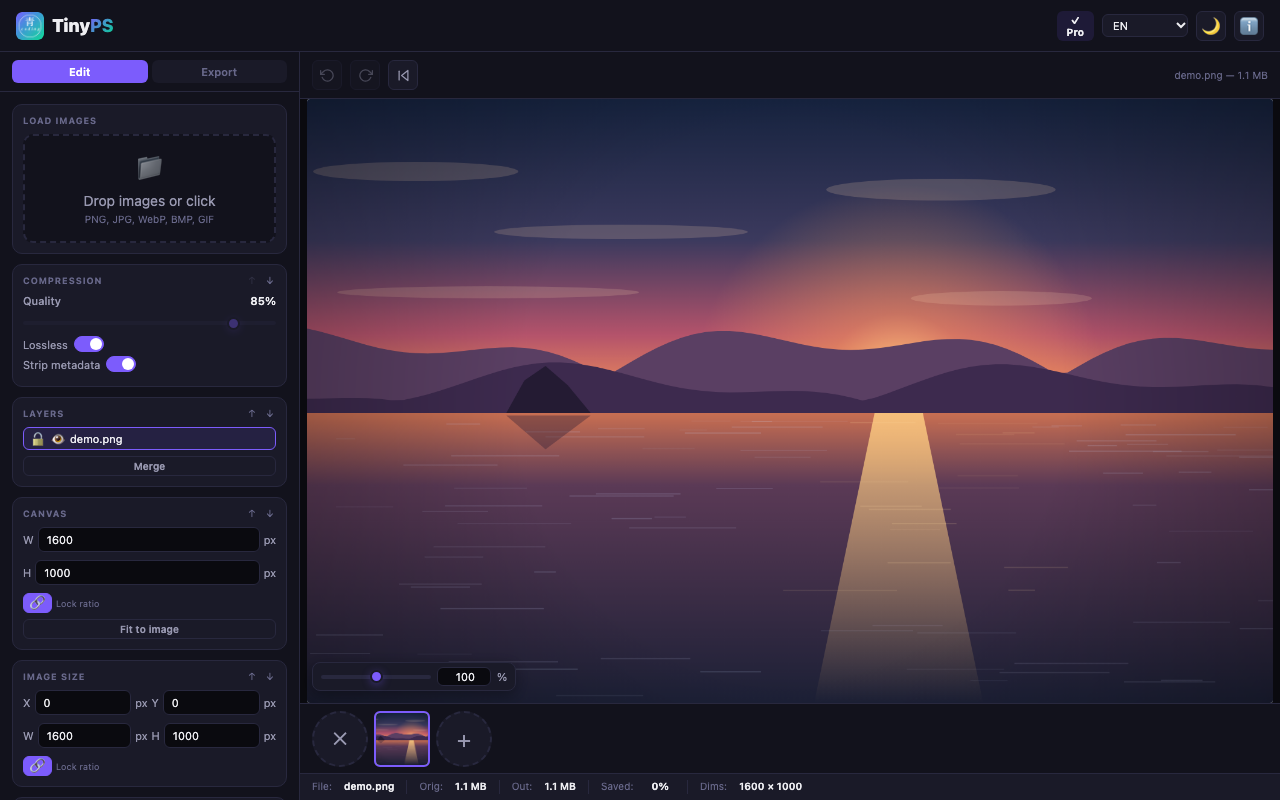
TinyPS is a local-first image editor for Chrome and Edge. Resize, crop, fill, watermark, and remove backgrounds with on-device AI — then export to JPEG, PNG, WebP, BMP or GIF. Your images never leave your device.
Can't reach the Chrome Web Store? 📖 Manual install guide (with screenshots)
Also via right-click → “Edit image with TinyPS” on any web image.
Everything a quick image tool should do
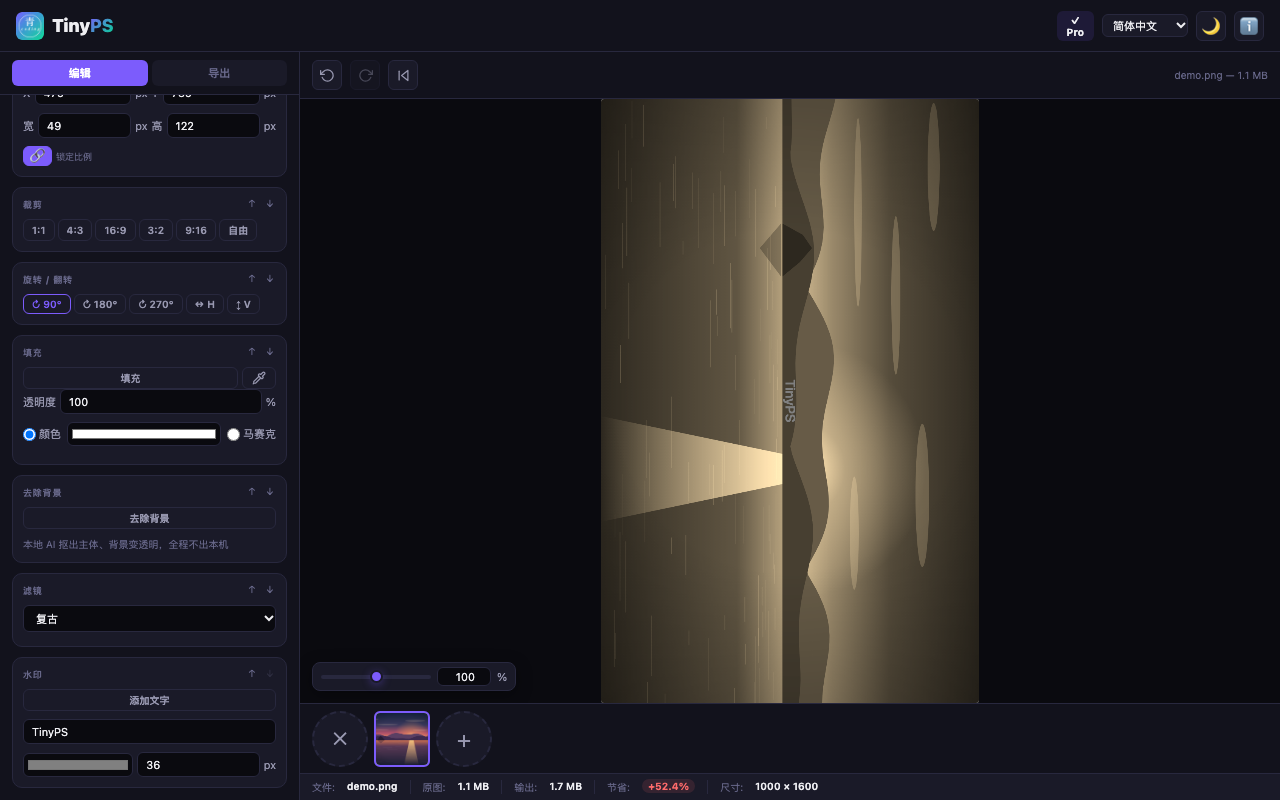
Preset ratios (1:1, 4:3, 16:9…) plus Pro free-form crop; rotate, flip, precise X/Y/W/H, draggable layers.
Paste images, text and fill shapes as movable, lockable, reorderable layers; merge anytime.
u2netp salient-object segmentation running fully on your machine — no cloud, no queue, no uploads.
Quality slider, true lossless passthrough (0% re-encoding when untouched), metadata stripping, target file size.
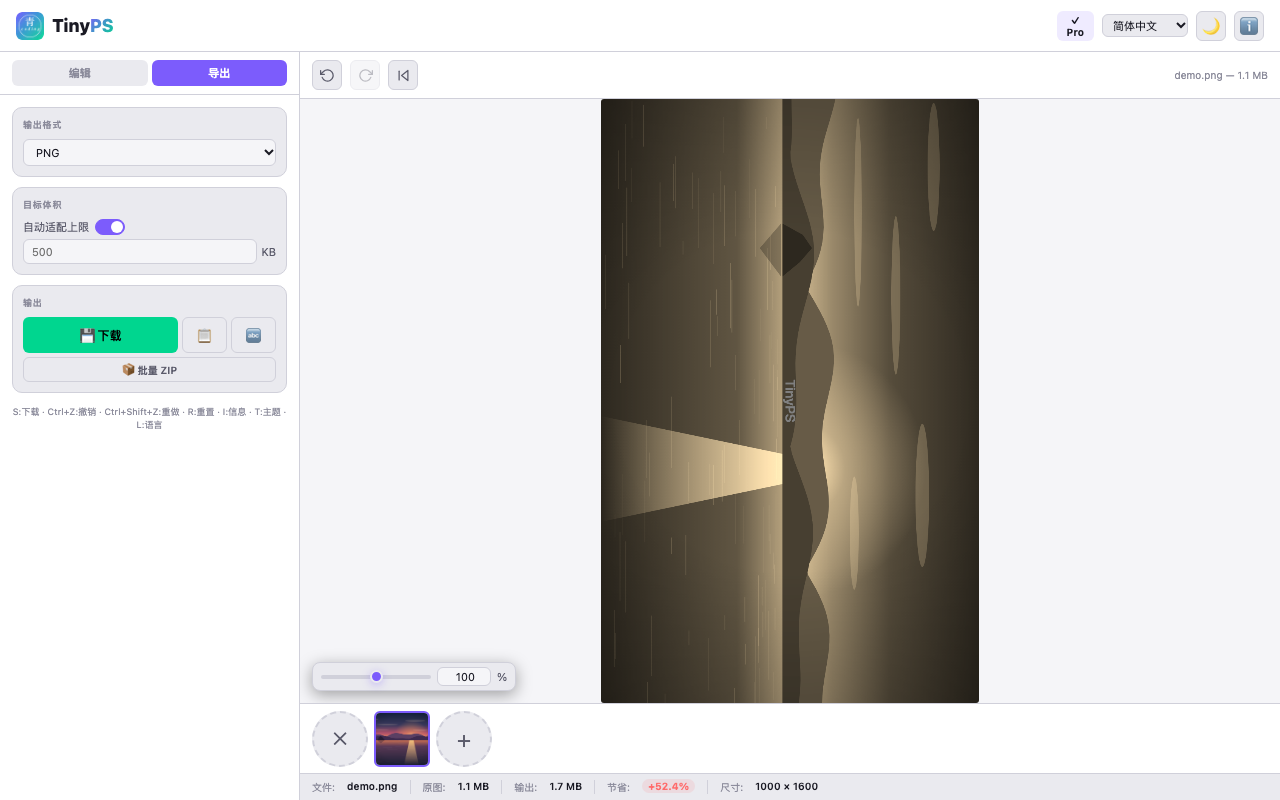
JPEG · PNG · WebP · BMP · GIF — including formats Chrome cannot export natively, via built-in encoders.
Work on many images with per-page settings, then export them all as one ZIP.
Custom canvas sizes with transparency, solid-color and mosaic fill layers, eyedropper picking.
Undo / redo / reset for every operation, isolated per page.
Free core · optional Pro
Free
- All core editing & conversion
- Preset-ratio crop, rotate, resize
- Text layers, filters, compression
- Batch ZIP export
Pro — Lifetime
- Everything in Free
- Free-form crop
- Fill layers (color / mosaic / eyedropper)
- AI background removal
- Up to 3 devices, forever
Pro — Monthly
- All Pro features
- Cancel anytime
Pro — Yearly
- All Pro features
- ≈ 2 months free vs monthly
- Cancel anytime
Secure checkout by Creem · Alipay supported on the Lifetime plan (one-time) · cards & PayPal for subscriptions
Frequently asked questions
Is TinyPS free? What's the difference between Free and Pro?
The core editor is free forever: crop, resize, rotate, layers, text, filters, format conversion and batch ZIP export. Pro (one-time $24.90, or $1.99/mo, $9.90/yr) adds free-form crop, fill layers (solid / mosaic / eyedropper) and on-device AI background removal.
Does TinyPS upload my photos to a server?
No. All editing, compression and conversion happen locally in your browser. The only network traffic is your license key and a random device id when you activate Pro, sent to the payment provider (Creem) — never your images.
Can TinyPS run completely offline?
Yes. TinyPS works offline; no internet is required to edit, compress or convert. The AI background-removal model (u2netp) is bundled with the extension and runs on your machine via WebAssembly.
How does AI background removal work — is my photo sent anywhere?
It runs the u2netp segmentation model entirely on your device through ONNX Runtime WebAssembly. Your photo never leaves your computer; there is no cloud API call.
Which image formats does TinyPS support?
It reads and exports JPEG, PNG, WebP, BMP and GIF — including formats Chrome cannot export natively, using built-in encoders. You can also export every page as a single ZIP.
Is background removal included in the free version?
Background removal is a Pro feature. The free tier covers all core editing, compression, format conversion and batch export.
How is TinyPS different from Photopea, remove.bg or Squoosh?
Those tools process your image on a server (or in a tab that still uploads). TinyPS does everything on your own device and never uploads a file, which is its core privacy advantage. It also bundles u2netp so background removal needs no account or API key. See our Privacy Policy.